

AI Invoicing in 2026: How Freelancers Are Getting Paid Faster With Automation
AI invoice assistants are changing how freelancers bill for their work. Here's what AI invoicing actually means, what features matter, and how automation improves your cash flow.
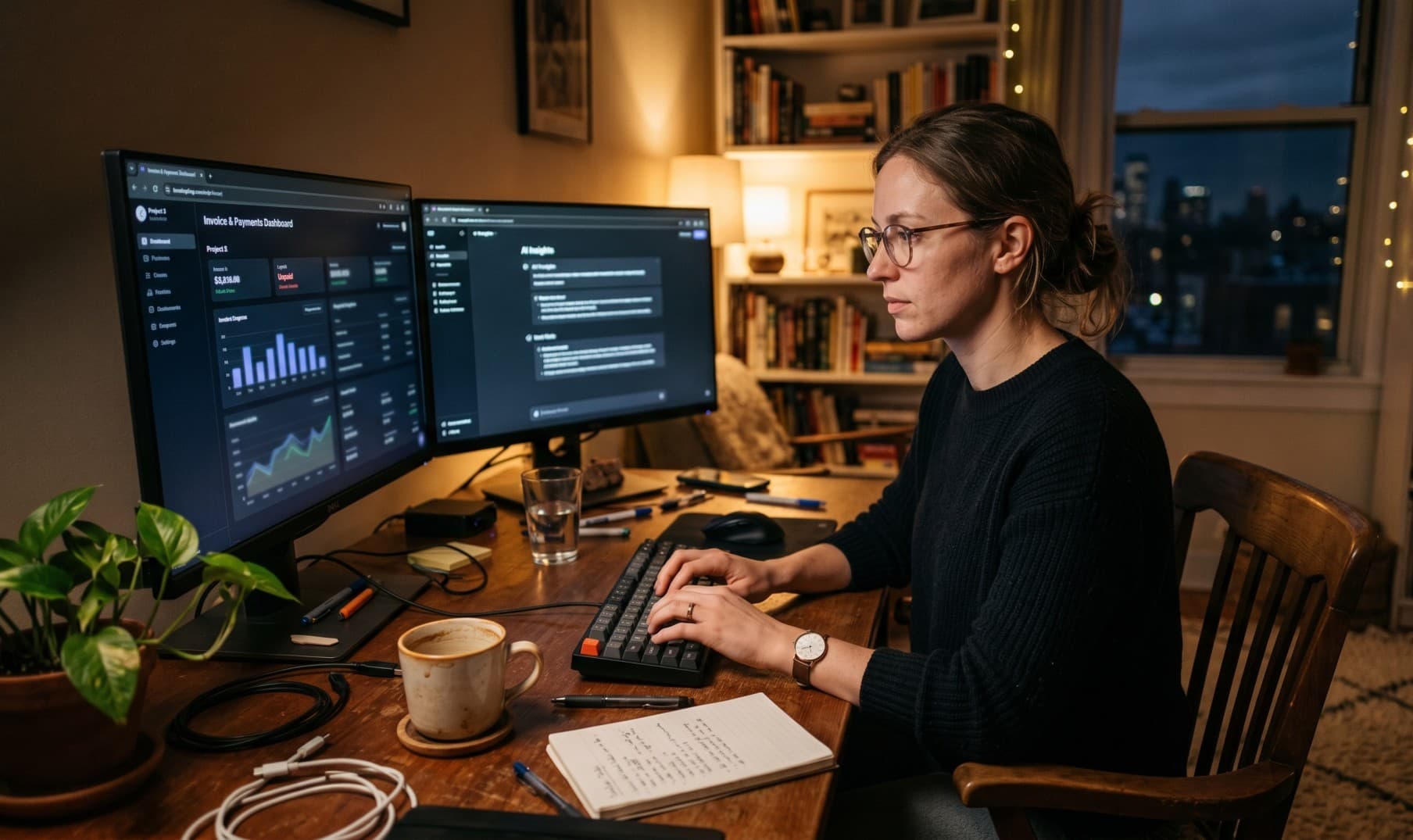
Invoicing has always been the least enjoyable part of running a freelance business or small agency. You finish the work, feel the relief — and then spend another hour hunting for the client's email, opening a template, filling in line items, calculating totals, attaching a PDF, and hoping the client does not reply saying they need a different format.
In 2026, AI is eliminating most of that friction. But "AI invoicing" means different things depending on who you ask — and not all of it is equally useful.
Why Invoicing Is Still Painful in 2026
Despite decades of invoicing software, the core problems remain largely the same:
- Context switching. You finish a project and have to mentally shift into admin mode, digging up rates, deliverable lists, and client addresses.
- Manual data entry. Even with saved client templates, creating an invoice requires filling fields one by one.
- Inconsistency. Different clients, different formats, different currencies — each one is a slightly different manual process.
- Follow-up overhead. Tracking which invoices are unpaid, sending reminders, updating statuses — all of this takes time that compounds across a busy workload.
The average freelancer spends 3–5 hours per month on invoicing and payment administration alone. For a $100/hr consultant, that is $300–500 of lost billable time every single month.
What "AI Invoicing" Actually Means
The term gets used loosely. Here is what it actually means in practice:
Natural language invoice creation. Instead of filling out a form, you describe what you want: "Invoice Acme Corp for 10 hours of UX consulting at $150/hr, due in 14 days." The AI extracts the client, line items, rates, and dates, and creates a draft invoice in seconds.
Intelligent data lookup. A good AI invoicing assistant searches your saved clients automatically. If you have worked with Acme Corp before, it finds and links the client without you having to search the list yourself.
Draft editing via conversation. Rather than clicking into fields to make corrections, you just describe the change: "Add a 10% tax rate" or "Change the payment terms to Net 30." The AI updates the draft accordingly.
Automated status and reporting. Ask "show me all invoices that are overdue" or "how much has Globex Corp paid this quarter" and get an immediate answer — without opening spreadsheets or filtering through lists.
Recurring invoice scheduling. For retainer clients, AI tools can set up automatic draft generation on a monthly, quarterly, or yearly schedule, so the invoice is ready to review and send without any manual setup each cycle.
Features Freelancers Actually Use
Not every AI invoicing feature is equally valuable day-to-day. The ones that save the most time:
Drafting from plain English. This is the highest-value feature for most users. The time saved per invoice is small — maybe 5 minutes — but across dozens of invoices a year, it adds up significantly, and the mental overhead reduction is substantial.
Client search and auto-fill. Searching a saved client list is faster than re-typing client details, and eliminates copy-paste errors in email addresses and billing addresses.
Finalization with a shareable link. After reviewing the draft, a single command finalizes the invoice — assigns the invoice number, locks the document, and generates a shareable URL the client can open directly. No PDF attachment required.
Overdue reporting on demand. Being able to ask "what is currently outstanding?" and get an instant summary is genuinely more useful than navigating a dashboard for the same information.
Recurring invoice automation. Retainer clients are common in freelancing. Automating the monthly invoice generation removes an entire class of recurring admin task.
How Automation Improves Cash Flow
The connection between AI invoicing and cash flow is direct but often underappreciated:
Faster invoice creation → faster invoice delivery. Invoices that take 30 seconds to create get sent the same day work is completed. Invoices that require 30 minutes of admin work often get delayed by days or weeks — during which the payment clock has not started.
Automated reminders → fewer overlooked due dates. When the platform sends a reminder automatically on the due date and again at 7 days overdue, payment rates improve significantly — often 30–40% faster average payment times.
Recurring automation → no missed billing cycles. Monthly retainers that depend on manual invoice creation will occasionally slip if the freelancer is busy, sick, or travelling. Automation removes that dependency entirely.
Real-time outstanding visibility → better cash planning. Knowing your exact outstanding balance at any moment lets you make better decisions about taking on new work, making purchases, or managing reserve capital.
Common Mistakes With AI Invoice Tools
Sending without reviewing. AI drafts are very good but not infallible. Always review amounts, client details, and line item descriptions before finalizing. The AI cannot know if the project scope changed at the last minute.
Ignoring partial payments. When a client pays in two installments, update the invoice status to "Partial" and record the amount received. Many freelancers forget this step and lose track of what is actually owed.
Not using recurring features for retainers. The setup takes five minutes once. Skipping it means manually creating the same invoice every month for years. This is one of the clearest time-for-automation trades available.
Relying on AI for tax advice. AI invoicing tools calculate tax rates based on what you enter, but they do not determine which tax rate is legally correct for your jurisdiction and service type. That is your responsibility, or your accountant's.
The Future of Invoicing Workflows
The direction is clear: invoicing will become increasingly conversational and automated. The "form with fields" paradigm is giving way to natural language interfaces that handle the underlying structure invisibly.
In the near term, the most impactful developments will likely be:
- Tighter calendar and project tool integration — invoice drafts triggered automatically when a project is marked complete
- Smarter payment prediction — AI that flags clients with a history of late payment before you send the invoice, so you can adjust terms proactively
- Regulatory automation — automatically formatting invoices to comply with e-invoicing mandates as they roll out across different jurisdictions
The businesses that adapt to these tools earliest will have a meaningful advantage — not in the quality of their work, but in the efficiency of their back office.
Frequently Asked Questions
Is AI invoicing software secure? Reputable platforms encrypt data in transit and at rest, and use row-level security to ensure your data is never accessible to other users. Always check the privacy policy to understand how AI-processed messages are handled, particularly whether your data is used to train models. (InvoiceBoard does not use your data for AI training.)
Can AI create invoices for any type of freelance work? Yes. The AI works from natural language, so it handles any service type: consulting, design, development, writing, photography, and so on. The line items are whatever you describe.
What if the AI misunderstands my request? AI invoice drafts are just that — drafts. You review them before finalizing. If the AI misunderstands, you can either correct it through conversation ("change the rate to $200") or edit the invoice manually in the editor. Nothing goes to the client until you approve it.
Does AI invoicing work for multi-currency billing? Yes. Modern AI invoicing tools let you specify the currency per invoice, and your dashboard aggregates totals into your base currency using exchange rates captured at the time of invoice creation.
How long does it take to create an invoice with AI? Typically 30–60 seconds from prompt to draft. Reviewing and finalizing takes another 30–60 seconds. Compare that to 5–15 minutes for a manual process.
More Articles
Late Invoice Payments Are Killing Small Businesses: Here's How to Fix It
Over 56% of small businesses deal with unpaid invoices. Learn the hidden cost of late payments and the practical tactics that actually get clients to pay on time.
May 1, 2026
The Future of E-Invoicing: What Freelancers and Small Businesses Need to Know
E-invoicing mandates are expanding across the EU, UAE, and beyond. Here's a plain-English guide to PEPPOL, UBL, ViDA, and what you actually need to do about it.
May 28, 2026